
How to Contact Wholesale Vendors on GZWM
Follow these steps to register, activate VIP membership, and view supplier contact details.
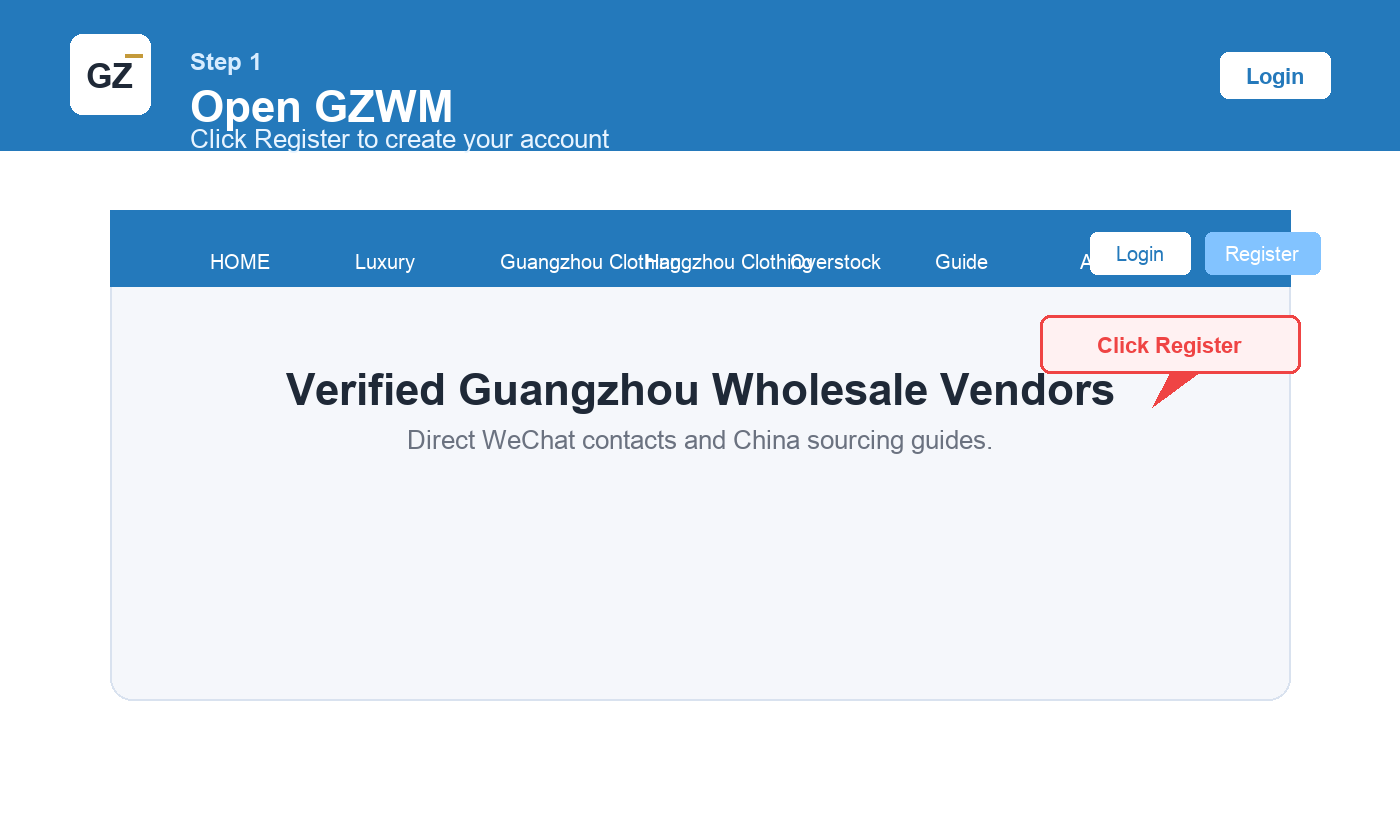
Step 1: Create Your Account
Click Register and create a GZWM account.
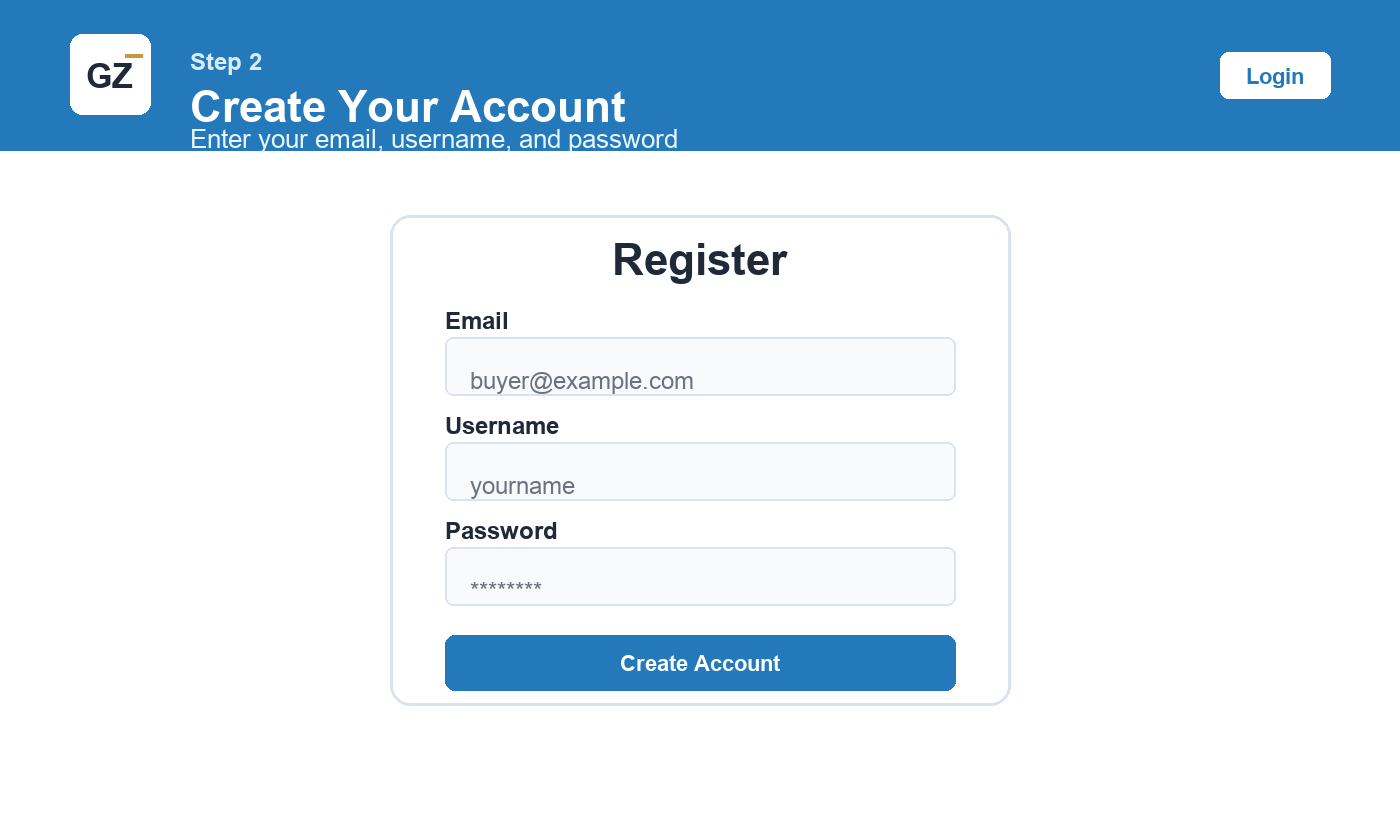
Step 2: Register and Log In
Enter your email, username, and password, then log in.
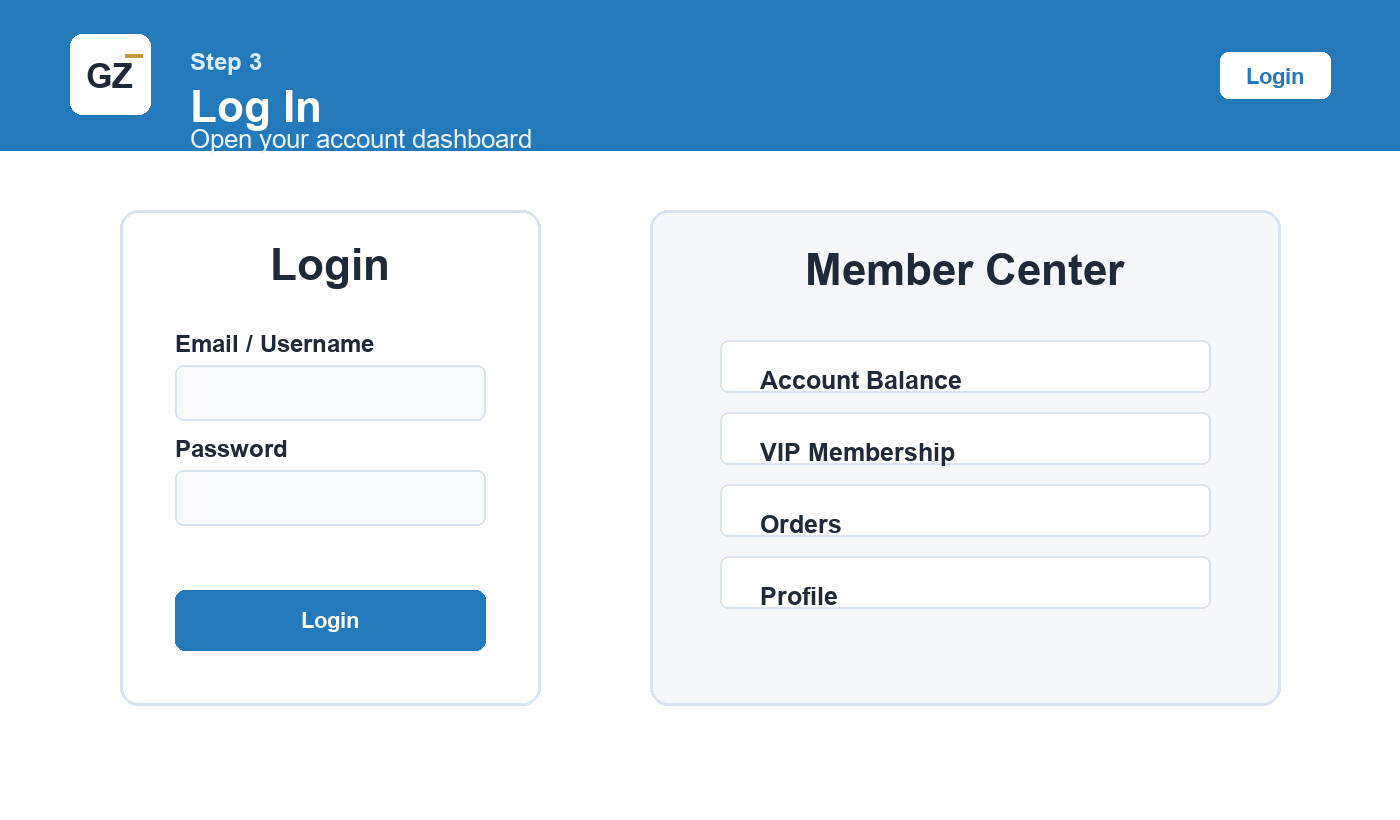
Step 3: Open Member Center
Go to your account dashboard after login.
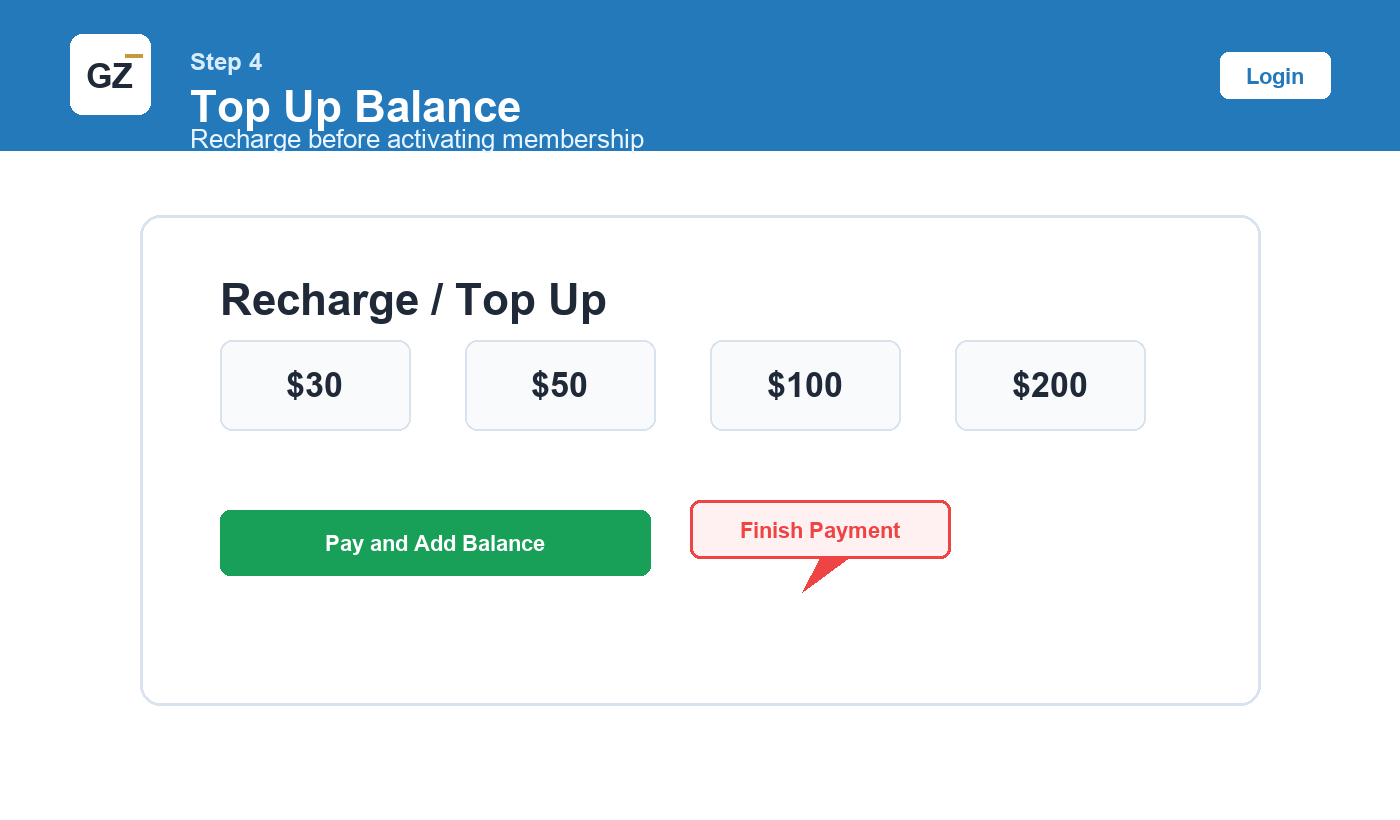
Step 4: Top Up Balance
Recharge your account balance before buying a membership.
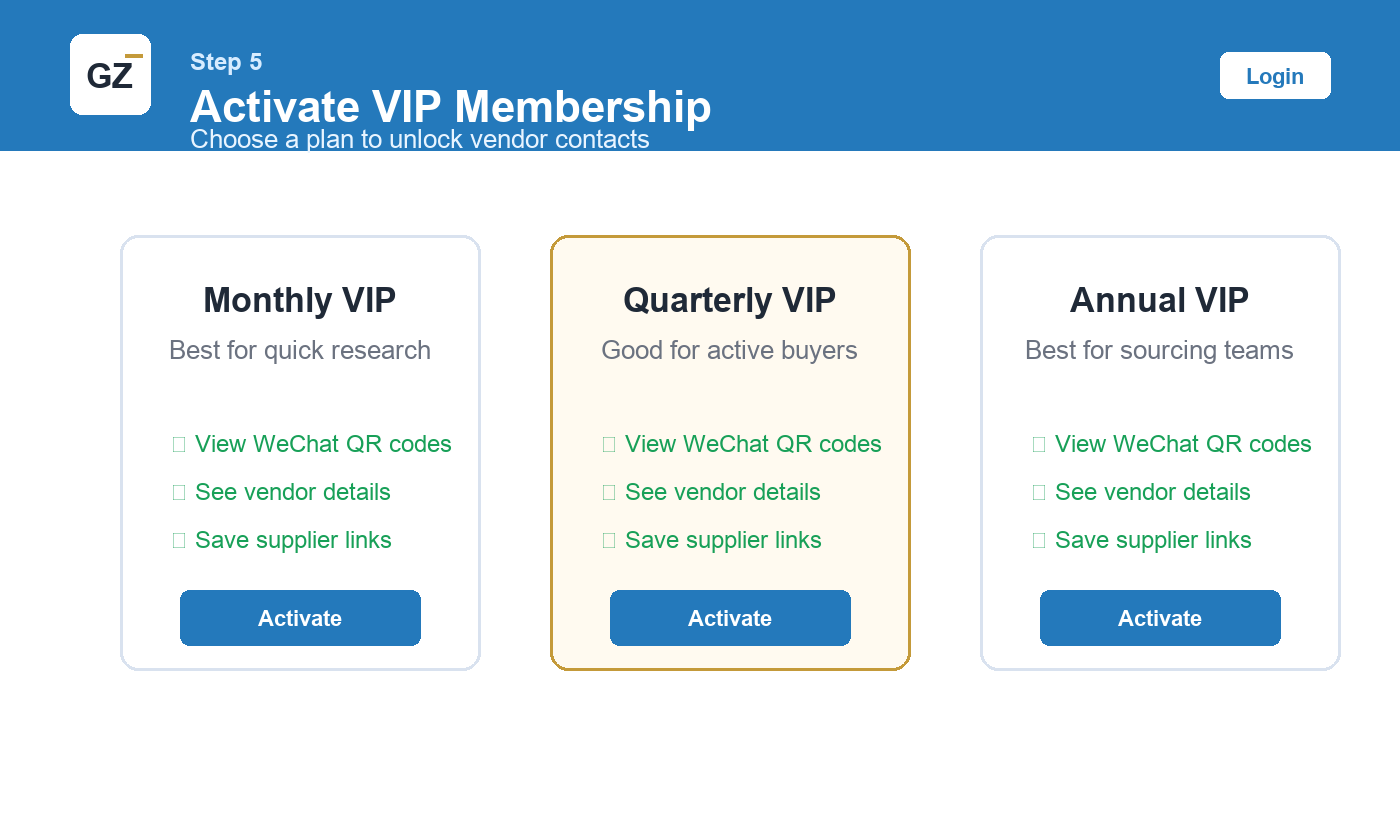
Step 5: Activate VIP Membership
Choose a VIP plan and activate it.
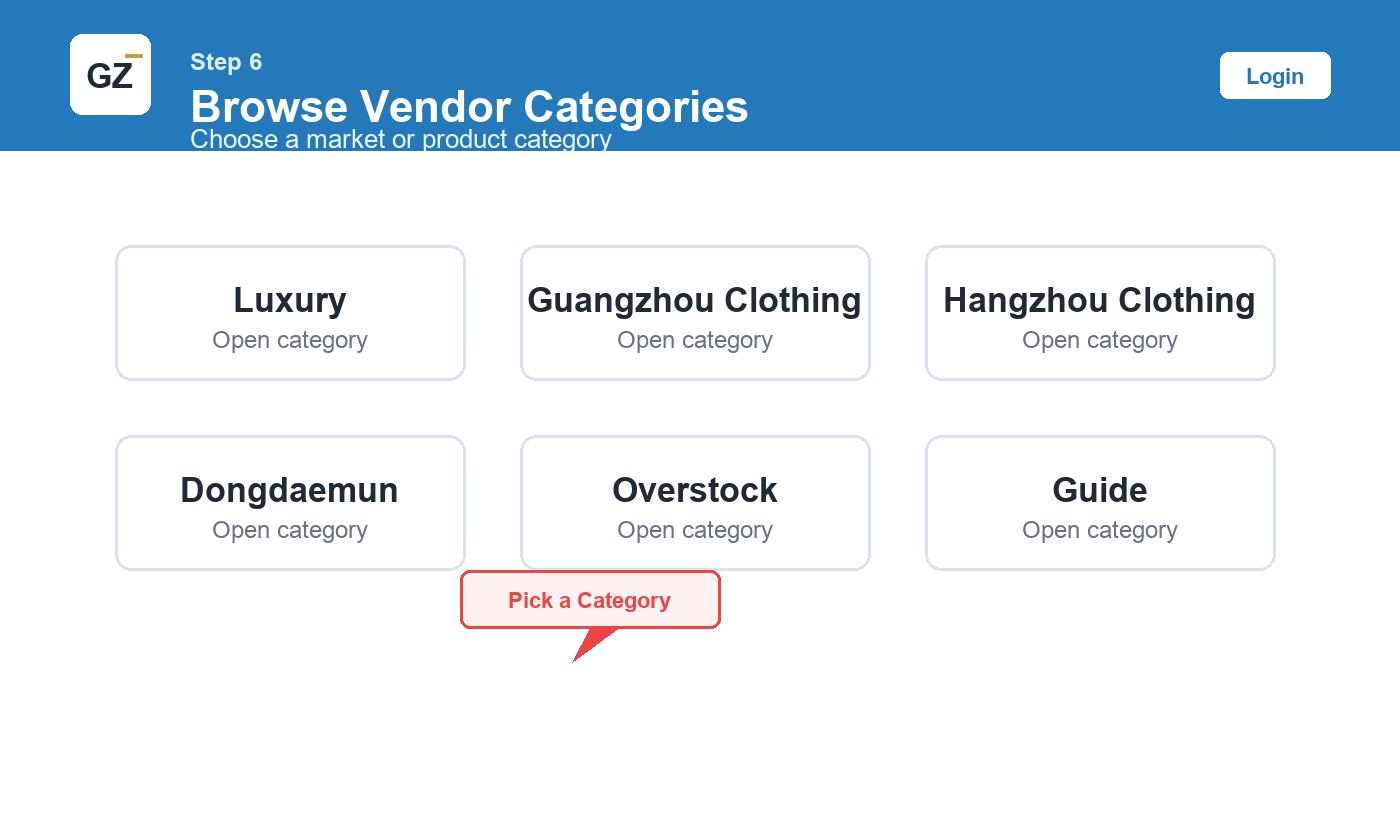
Step 6: Browse Vendor Categories
Select a category such as Luxury, Guangzhou Clothing, Hangzhou Clothing, Dongdaemun, or Overstock.
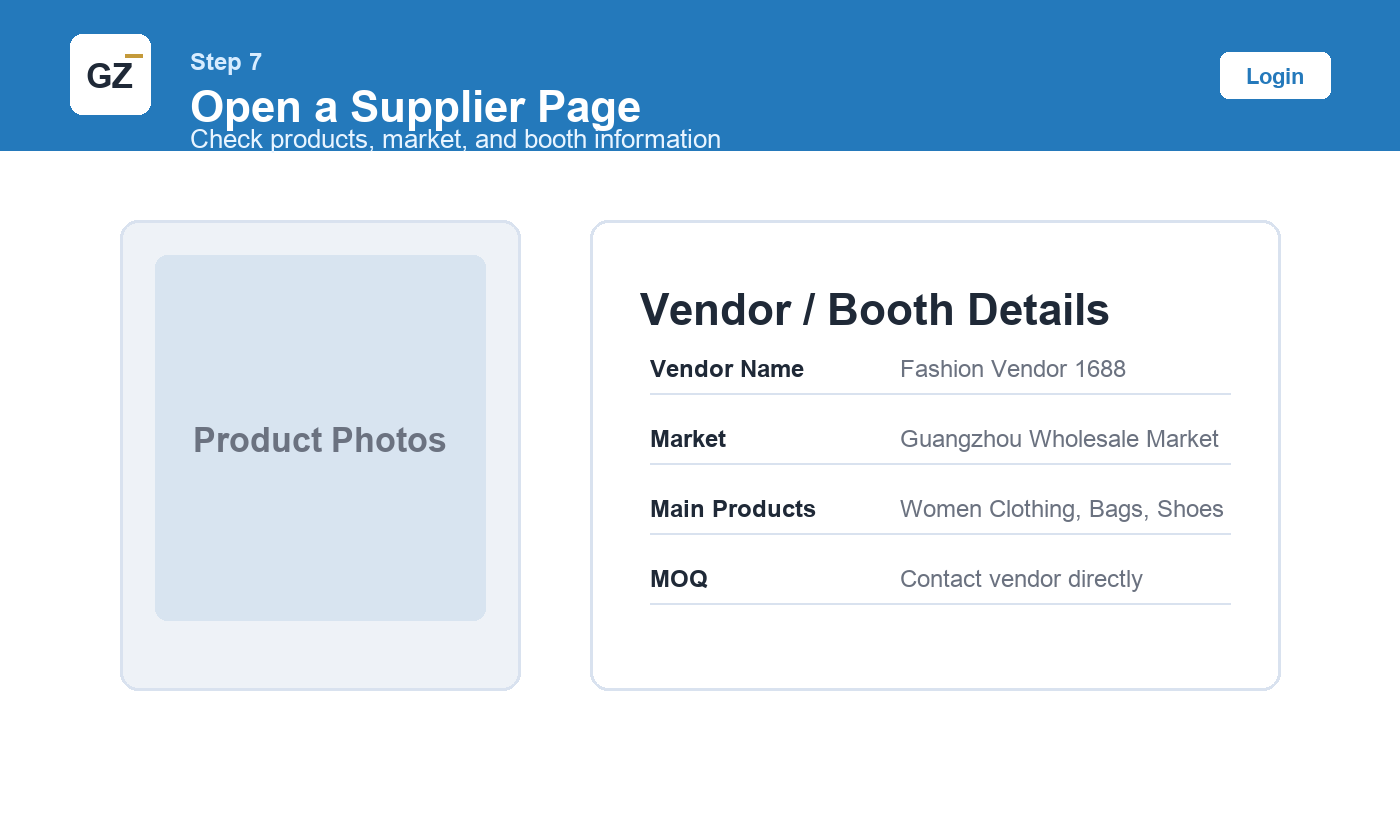
Step 7: Open a Supplier Page
Check product photos, market, booth, MOQ, and supplier notes.
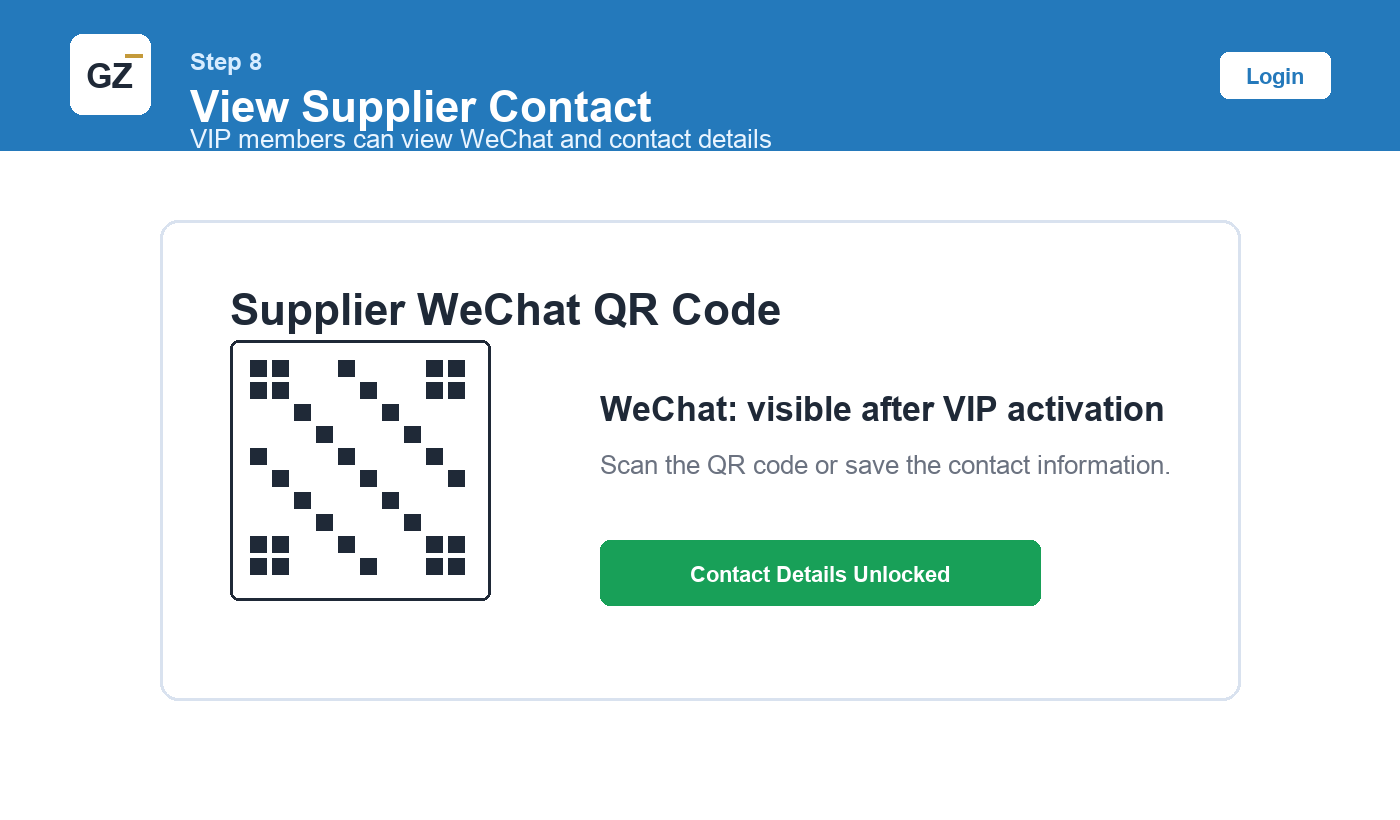
Step 8: View Supplier Contact Details
After VIP activation, view the vendor WeChat QR code or contact information.
Step 9: Contact the Vendor
Scan WeChat, send the product screenshot or the GZWM vendor page link, and ask for price and MOQ.
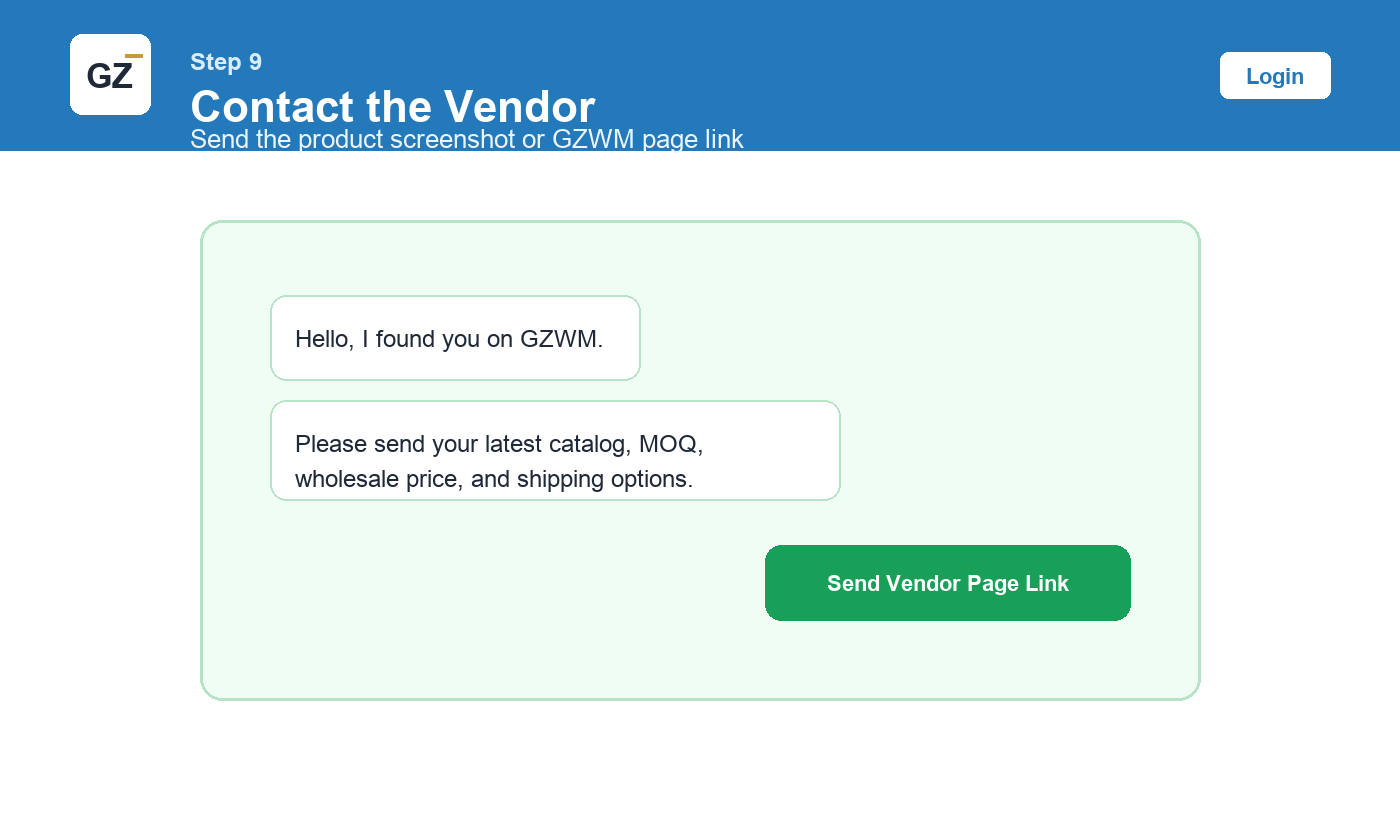
Copy This Message
Quick Checklist
- Register account
- Log in
- Top up balance
- Activate VIP
- Open supplier page
- View WeChat contact
- Contact vendor directly